

Everything your household runs on.
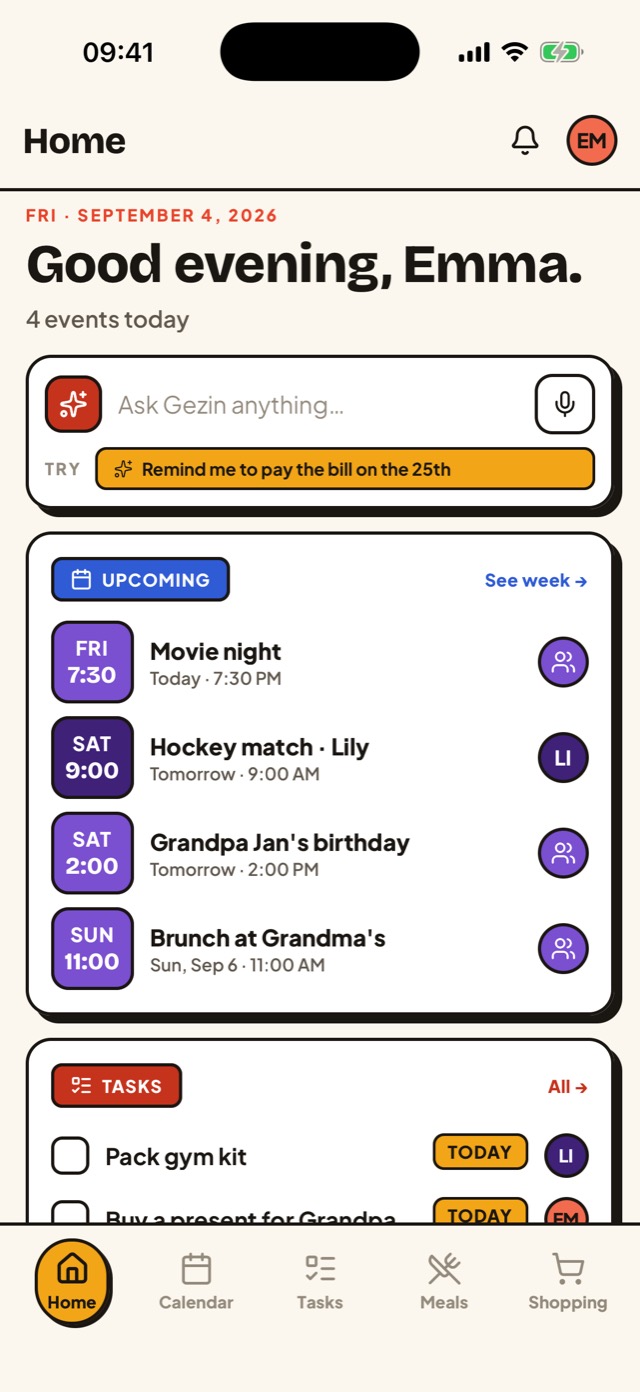
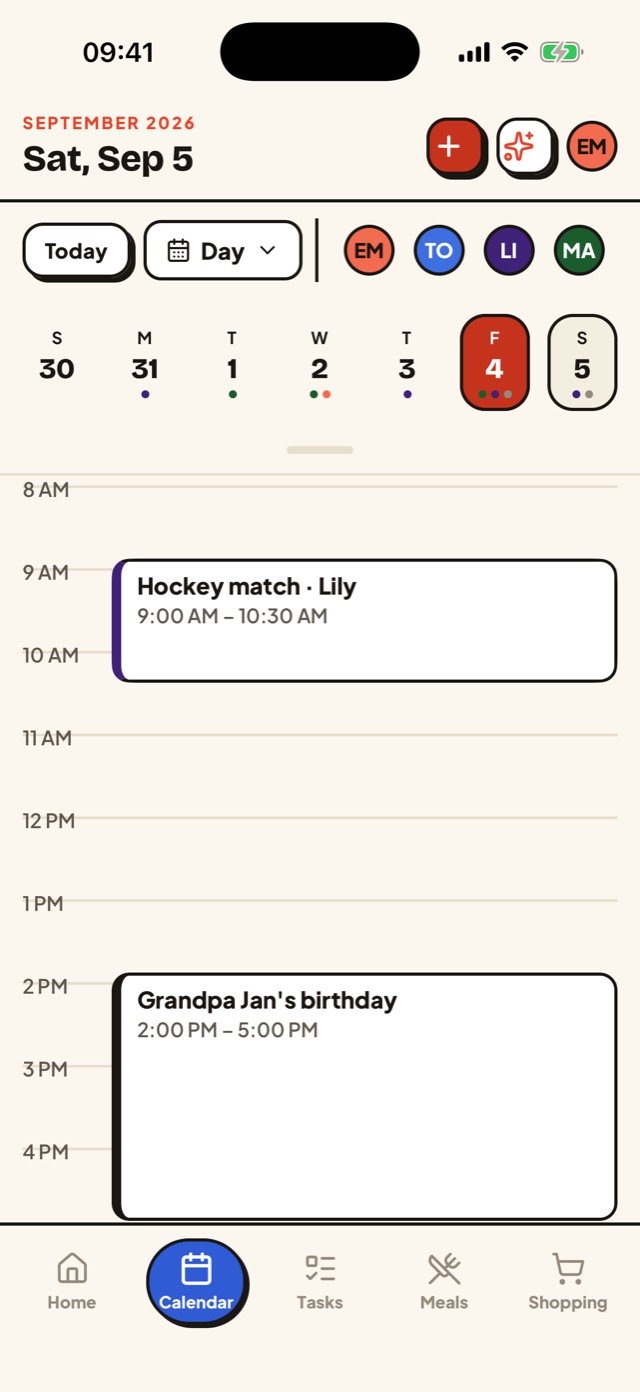
A family calendar app keeps every member's appointments in one shared view: school, work, sports, birthdays and the dentist, each in its own color. Gezin adds the rest of the household's running list to that same calendar — chores, dinners, recipes and groceries — and an assistant that files them for you.
One shared calendar
A single family calendar, synced two-way with Google.
Chores & to-dos
Assign tasks and see who's on what at a glance.
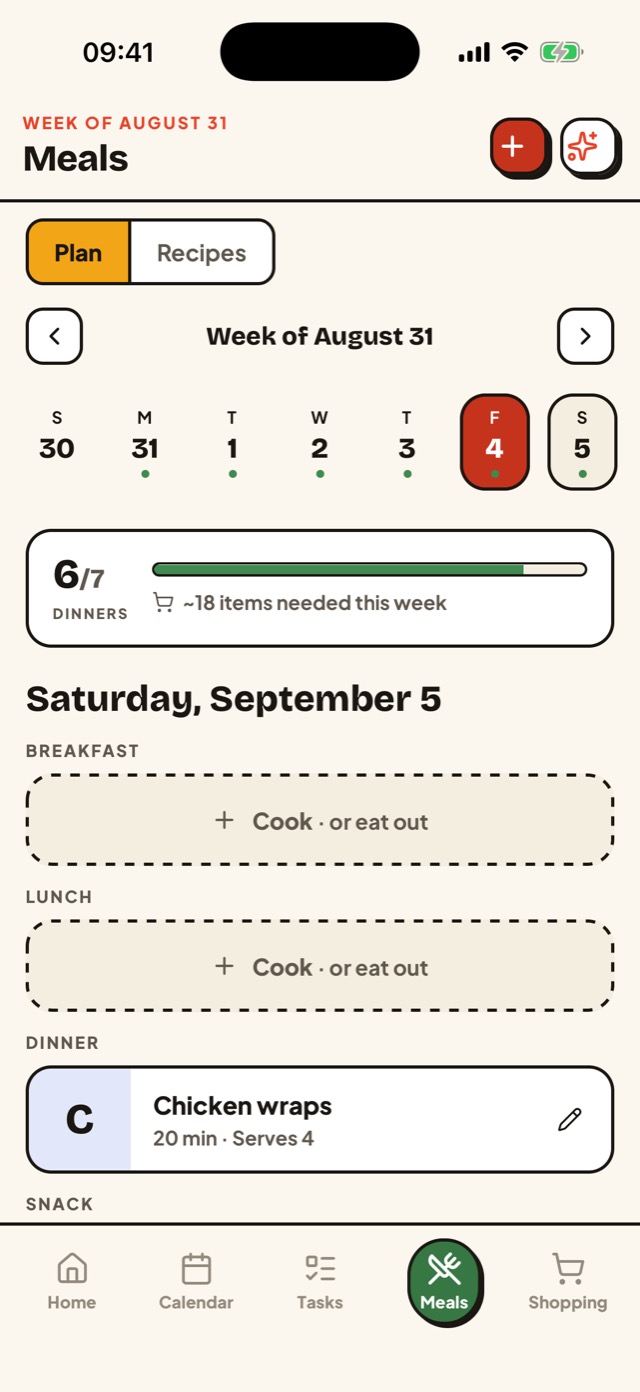
Plan the week
Plan dinners — cook at home or eat out, your call.
Your cookbook
Save recipes and send ingredients straight to your list.
Shared lists
One list for everyone, grouped by store and aisle.
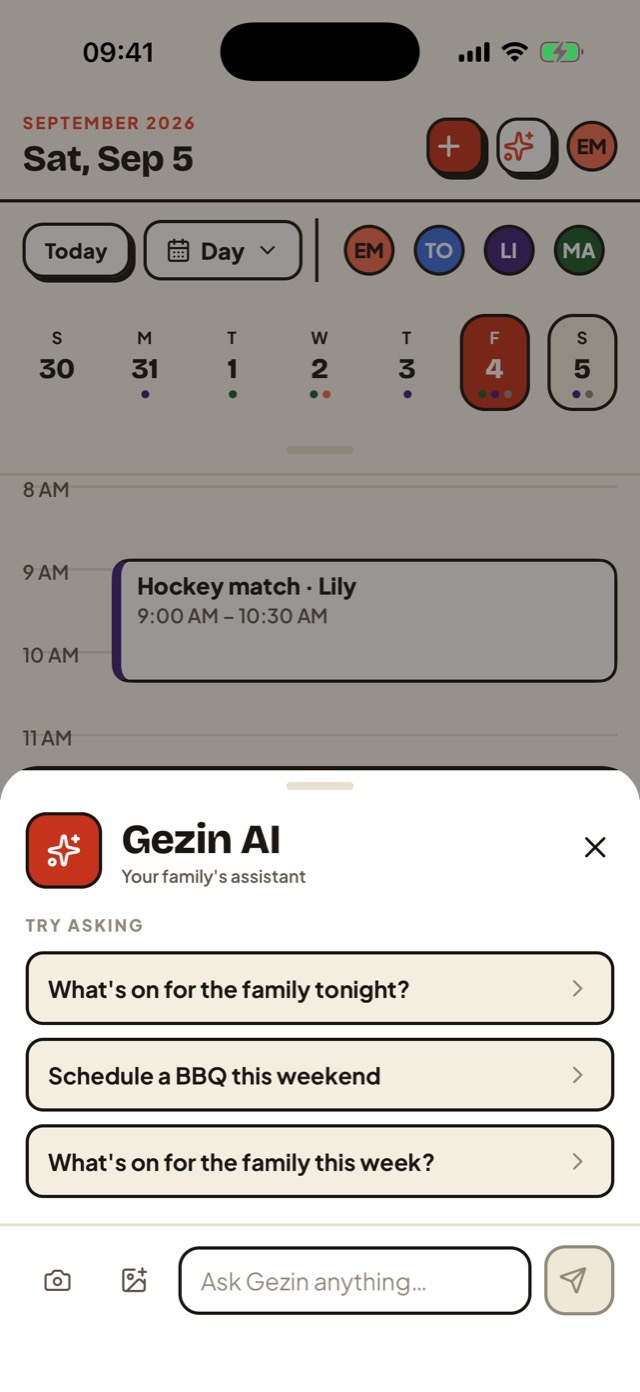
Let Gezin plan it
Paste a link or a note — Gezin turns it into plans.
Built for the whole family.
School, sports and work calendars, already wired in.
Nobody wants to retype the school newsletter or the soccer schedule. Gezin connects to the calendars your family already has and keeps them in sync, so the family calendar fills itself.
Google & Apple Calendar
Two-way sync with Google Calendar and Apple Calendar through iCloud. Choose per calendar whether the family sees it or it stays private to you.
Team schedules
Subscribe to any team or league calendar link once, and every practice and game shows up for both parents and the carpool, refreshed hourly. TeamSnap guide.
School emails, forwarded
Forward the ParentSquare, ClassDojo or district email to your family's Gezin inbox, and Gezin AI proposes the dates as events you approve. How it works.
Live in the Netherlands? Dutch school holidays per region, Social Schools and Parro have their own guides in Dutch.
Up and running in minutes.
Create your family
Sign up and set up your household in a tap.
Invite everyone
Add partners and kids with a link or an email.
Plan together
Share the calendar, meals, tasks, and lists from day one.
The two chores Gezin takes off your plate.
- Forward the school email, Gezin finds the dates — ParentSquare, ClassDojo and district newsletters become calendar events you approve.
- Every TeamSnap practice and game on the family calendar — subscribe once, both parents and the carpool see it, refreshed hourly.
Questions, answered.
Is there a limit on the AI features?
AI-based features are capped with a fair-usage limit. The calendar, tasks, meals, recipes and shopping lists have no limit.
Which platforms is it on?
Android (on Google Play), iPhone (on the App Store) and any browser at app.getgezin.com — same account everywhere.
Is my family's data private?
Yes. We don't sell your data or use it for ads. See our Privacy Policy for the details.
What can the AI do?
Paste a recipe link, forward a note, or snap a flyer — Gezin AI turns it into calendar events, tasks, meals, and shopping items for you to review.
Why is it called Gezin?
Gezin is the Dutch word for family: the parents and kids under one roof. The app is named after it. When you search for it, look for "Gezin app" or getgezin.com; on its own, the word will mostly find you Dutch dictionaries. More about who makes it.
Do I need the app, or can I use the web?
Either. Use the mobile app or open Gezin in any browser — your family stays in sync.